Adopt Me! / Guide
Adopt Me Trade License: How to Get It
Updated 12 November 2026
Talk to Agent Jake in the Safety Hub and answer 3 questions. What the license unlocks, how to report a scam and how to get the Trading Hub Phone, from Uplift Games' own help pages.
How to get the Trade License in 4 steps
- Go to the Safety Hub on Adoption Island.
- Talk to Agent Jake. He asks if you want to take the Trade License test.
- Say yes and answer all 3 questions correctly.
- You get the Trade License, a toy in your backpack. Got a question wrong? Just take the test again.
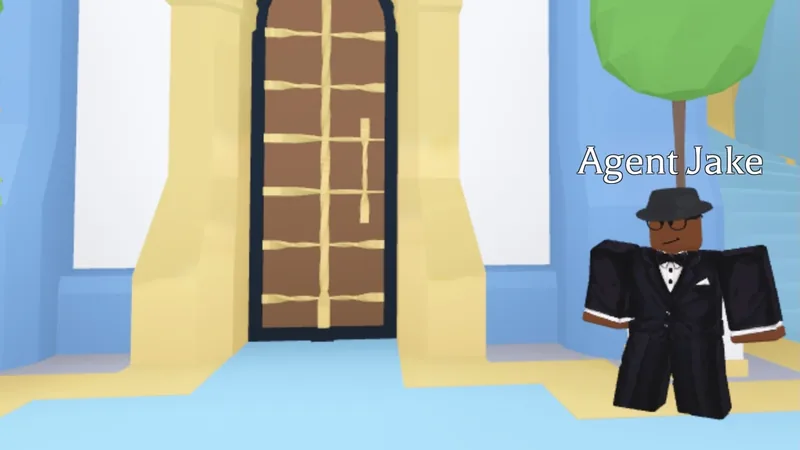
That is the whole process in Uplift Games' own words: go to the Safety Hub, talk to Agent Jake, get all 3 questions right, and the Trade License is yours. Uplift adds: "Don't worry if you get any questions wrong, though, you can take the test as many times as you need!" There is no fee and no waiting time mentioned in the official FAQ.
Where is the Safety Hub?
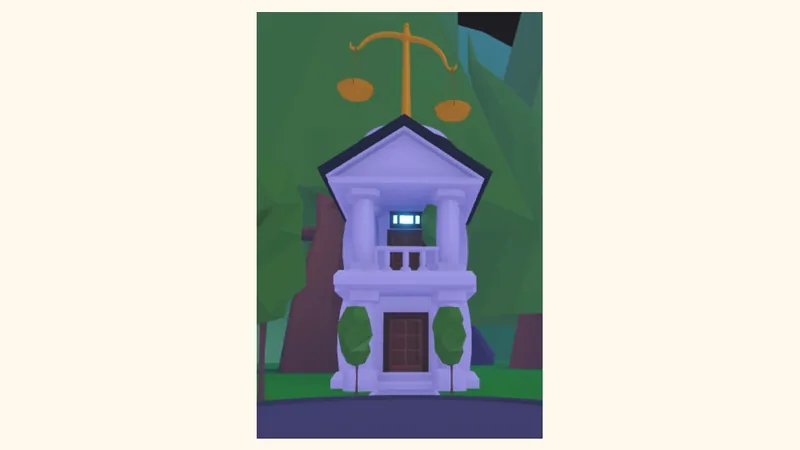
Uplift's FAQ names the Safety Hub but does not describe where it is. The Adopt Me! Wiki (a fan wiki) places it on Adoption Island, right behind Green Groceries. You can spot it by the golden scale on top. Uplift also mentions a Trade History book next to Agent Lily, where you can check trades you made before you had the license.
Every step at a glance
| Step | Where | What happens | Source |
|---|---|---|---|
| 1. Start the test | Safety Hub, Agent Jake | He asks if you want to take the Trade License test | Uplift FAQ |
| 2. Answer | Test inside the Safety Hub | 3 questions, all must be right. Retakes are unlimited | Uplift FAQ |
| 3. Get the license | Your backpack (toys) | Trade Ultra Rare and Legendary pets, trade houses, see recent trade history, report trades | Uplift FAQ |
| Trade Reporting: how to report | Trade License, or the Safety Hub | Open the license, pick the trade, press Report, describe what happened, press Report again | Uplift: Trading Safety |
| Bonus: Trading Hub Phone | The Guide | Free after the Trade License, 2 hours of play and your first Neon pet | Adopt Me! news: Trading Hub Notes |
What the Trade License unlocks
- Trading Ultra Rare and Legendary pets.
- Viewing your recent trade history.
- Trading houses.
- Reporting a trade if you were scammed or hacked.
The Trade License is a toy and it cannot be traded away. Uplift calls it "required to do certain trades", namely the ones above. Without it, those trades stay locked.
The test: what we know and what we do not
Uplift confirms two facts: the test has 3 questions, and you need all 3 right. Uplift does not publish the questions on its help pages, and we do not copy answer lists from other sites. The best preparation is to know how safe trading works in general, which is what the Safety Hub is about. Our safe trade checklist covers the official trade window, fake middlemen and rush tricks.
Trade reporting: how to report a scam
- Open your Trade License.
- Find the trade where you were scammed or hacked.
- Press the Report button next to that trade.
- Describe clearly what happened.
- Press Report again to send it.
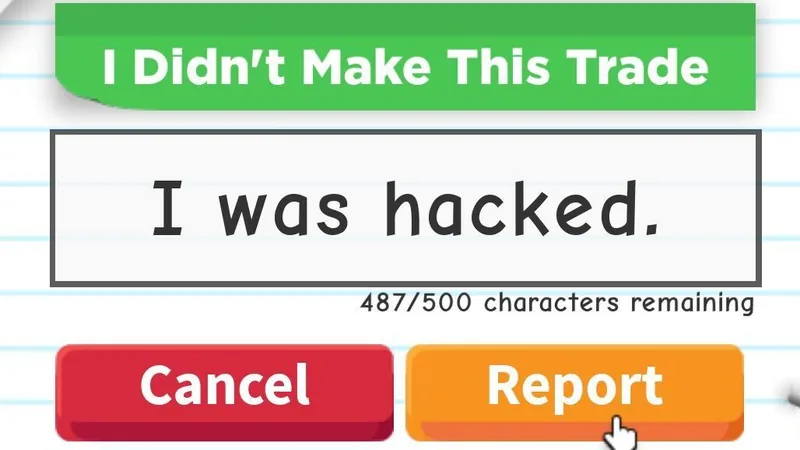
What happens next, according to Uplift: an Adopt Me team member looks at a report before anyone is banned, there is no automated ban system, and nobody is banned without proof. Since June 23rd 2025, a reported trade can be reversed automatically if the reported player stays banned for 19 days, so a return takes at least 19 days. You do not need to contact support for this. Report quickly: trades leave the Trade License after about 3 to 4 months, depending on how often you trade, and then they can no longer be reported. Trades you regret, or trades made by a sibling on your device, are not reversed. Returned pets cannot be traded again. Please never send fake reports, Uplift may remove your ability to report if you send too many. For extra impact, Uplift also recommends reporting the player to Roblox.
Two official safety helpers in the trade window
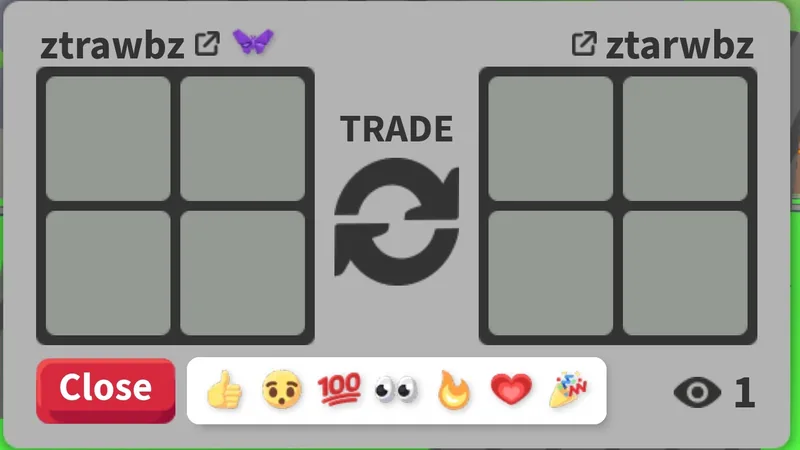
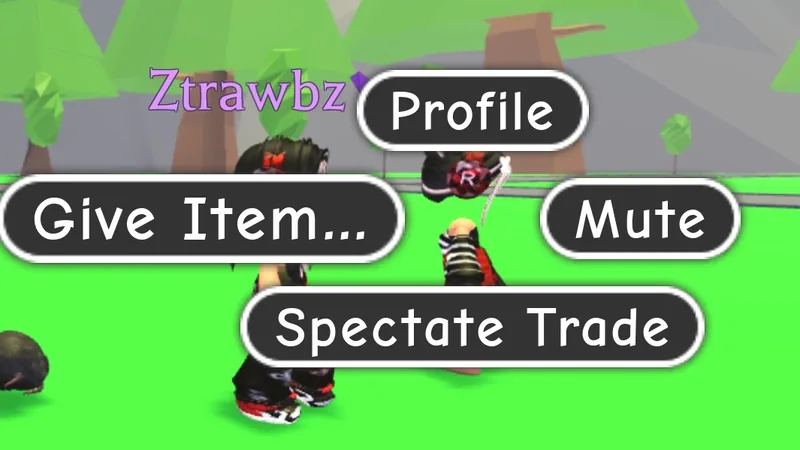
Uplift's Trading Safety page explains the icons next to a player's name in the trade window. A smiley face means a verified friend from your Roblox friends list, a purple butterfly marks a member of the Uplift team, and a gold star marks an official Adopt Me influencer. No icon means a player you do not know, so check them carefully. New traders can also ask a friend or parent to watch: click the other player's avatar and choose Spectate Trade.
How to get the Trading Hub Phone
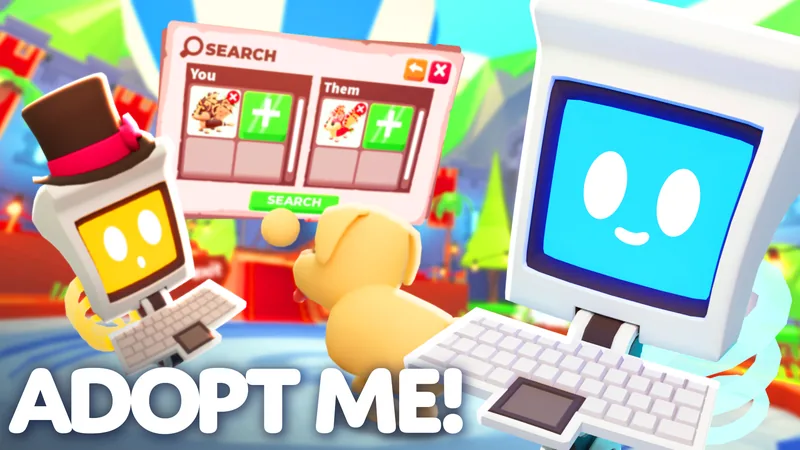
Uplift announced the Trading Hub on 31 July 2026. According to the official Adopt Me news post, you unlock the Trading Phone for free in the Guide by playing for two hours, getting the Trade License in the Safety Hub, and owning your first Neon pet. The phone summons a hot air balloon to the Trading Hub, where Robo Todd posts your listings (100 Bucks each, two at a time) and Robo Rob searches offers. In a normal server the phone shows your listings, offers and trade history.
Uplift Games and BloxDesk will never ask for your Roblox password. Facts on this page come from Uplift's help pages and news; the Safety Hub location comes from the fan wiki and is marked as such.
Safe trade checklist How pet values work All Adopt Me guides
FAQ
How do I get the Trade License in Adopt Me?
Go to the Safety Hub, talk to Agent Jake and pass his test by answering all 3 questions correctly.
Where is the Safety Hub?
On Adoption Island, right behind Green Groceries, according to the fan wiki. Uplift's FAQ does not describe the location.
What does the test ask?
Uplift only says it has 3 questions and you need all of them right. The questions are not published on Uplift's help pages, so we do not list them. Our safe trade checklist is good preparation.
Can I fail the Trade License test?
Yes, but it does not matter. Uplift says you can take the test as many times as you need.
Do I need the Trade License to trade?
Only for certain trades: Ultra Rare and Legendary pets, houses, and for reporting trades. It also unlocks your recent trade history.
What is Trade Reporting?
You report a scam or hack trade from your Trade License. Since 23 June 2025, Uplift can reverse the trade automatically if the reported player is banned for 19 days.
How do I report a scam?
Open your Trade License, pick the trade, press Report, describe what happened and press Report again. Do it soon, because trades leave the license after about 3 to 4 months.
Is there a minimum age or account age for the Trade License?
Unknown. Uplift's Trade License FAQ names no minimum age and no account age, and we found no official source that does.
Sources
- Uplift Games: Trade License & Trade Reporting FAQ (official, updated 6 Nov 2026, checked 12 Nov 2026)
- Uplift Games: Trading Safety (official, updated 2 Jun 2026)
- Adopt Me! news: Trading Hub Notes (official, 31 Jul 2026)
- Adopt Me! Wiki: Safety Hub (fan wiki, location only)